
Merge JPG Images into one JPG/PNG/PDF Online
Two powerful modes: Quick Mode for vertical or horizontal layouts, Creative Mode for unlimited positioning.
Completely private and free.
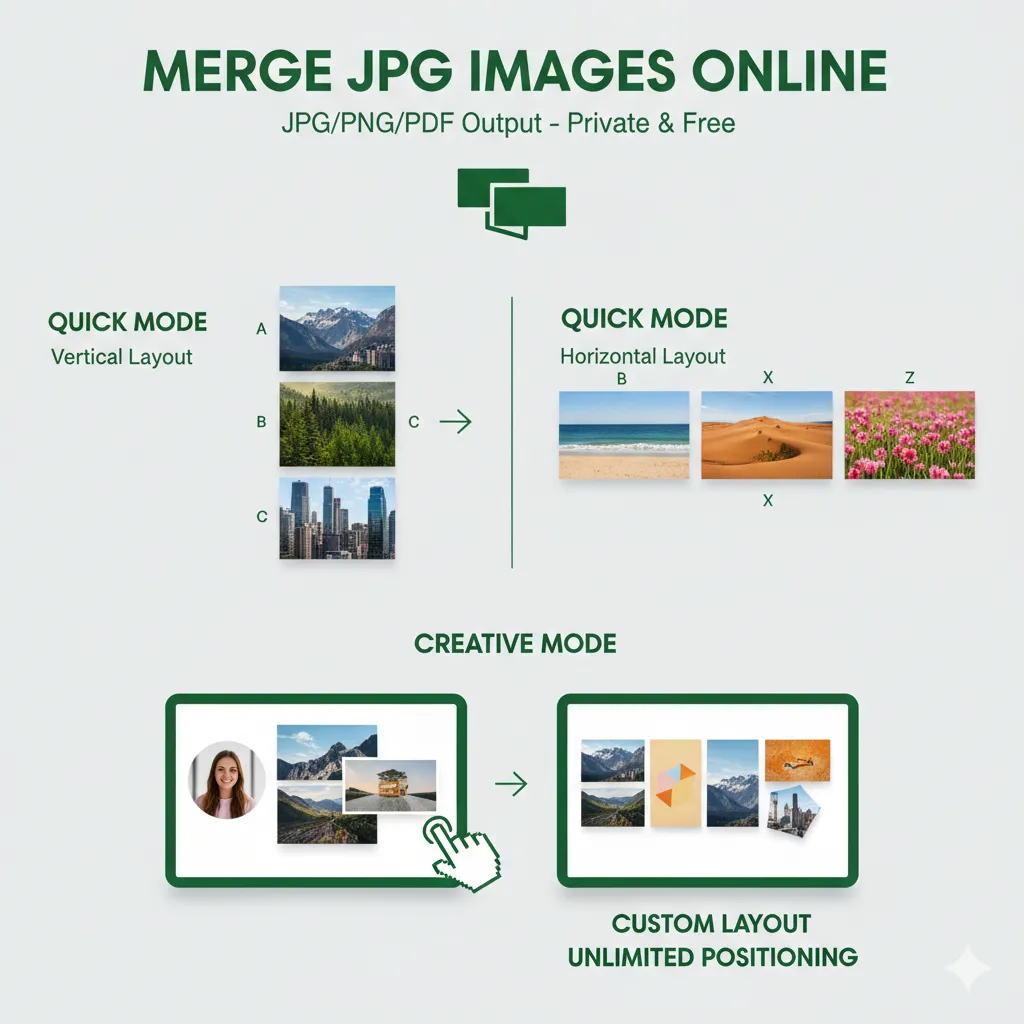
Merge JPG Tool
Combine multiple images into one with our easy 6-step process
Select how you want to merge your images
Upload Your Images
Drag & drop your images here, or click to select files
Supports JPG and PNG files, no size limit
Merge Your Images in 6 Simple Steps
Upload, arrange, configure, generate, download, and start over. All processing happens locally in your browser for maximum privacy.
🔒 Privacy First
Your images are processed entirely in your browser - never uploaded to our servers.
⚡ Fast Processing
Merge Unlimited images instantly with our client-side processing engine.
🎨 Customizable
Choose layout, spacing, background color, and output format to fit your needs.
Merge JPG is built with modern web technologies


Real-World Use Cases of Merge JPG
See how professionals across industries use Merge JPG to solve their image merging challenges - securely and efficiently.

Tax Document Management
Tax consultant Sarah Johnson merges scanned tax document pages into single PDF files for clients, ensuring sensitive financial data never leaves her computer.

Social Media Content Creation
Social media manager David Kim creates before-and-after comparison images for fitness brands, combining progress photos into compelling Instagram posts.

Academic Research Documentation
Student Emma Chen combines multiple screenshot images of online conversations into single long images for academic research documentation.

Business Expense Reporting
Small business owner Alex Rodriguez merges receipt photos into organized expense reports, creating clean PDF documents for accounting purposes.

Real Estate Photography
Real estate photographer Lisa Wang creates property showcase images by combining multiple room photos into attractive horizontal layouts for listings.

Digital Art Presentation
Digital artist Mike Torres merges concept sketches and final images into mood boards using Creative Mode, with precise drag/resize/rotate controls for perfect artistic compositions.
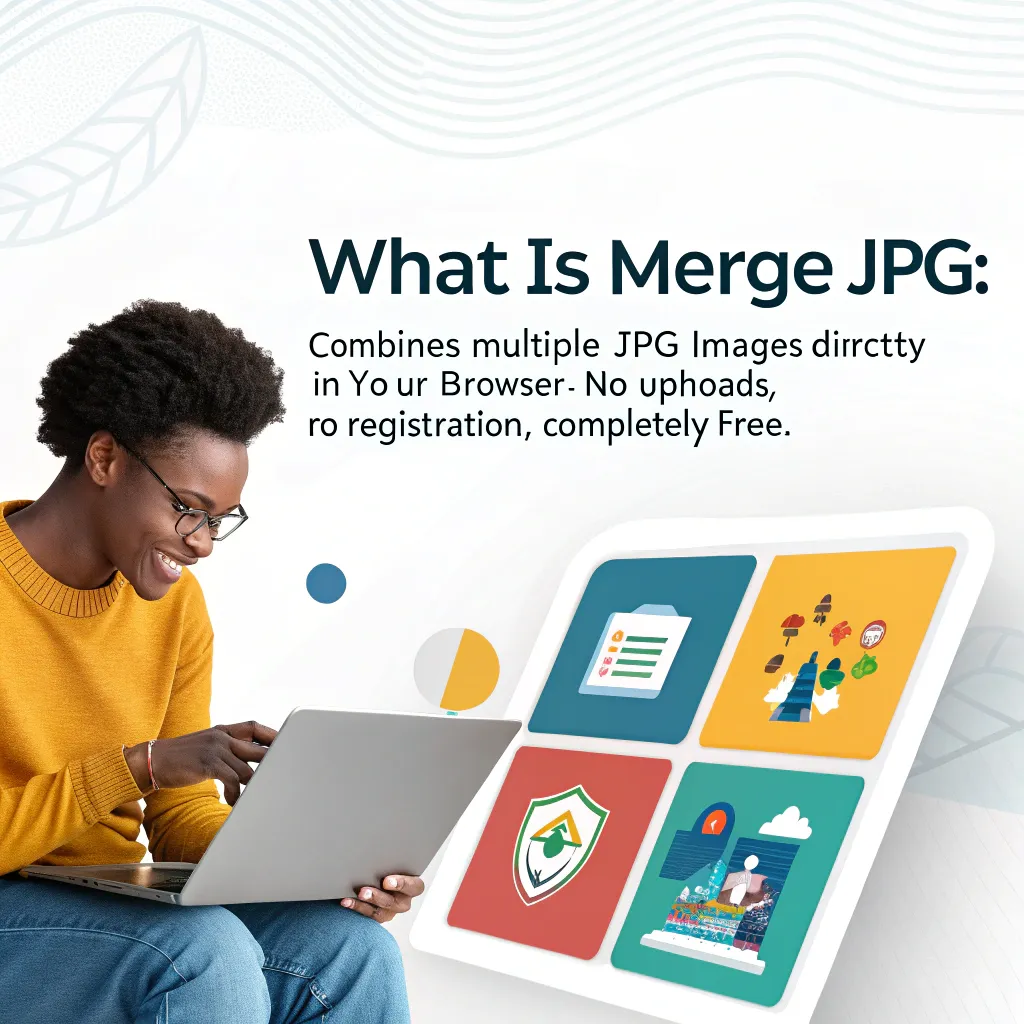
What is Merge JPG
Merge JPG offers two powerful modes for combining images: Quick Mode for structured layouts and Creative Mode for unlimited artistic freedom. All processing happens in your browser - completely private and free.
- Dual-Mode VersatilityChoose Quick Mode for structured layouts or Creative Mode for unlimited positioning with drag, resize, and rotate controls.
- Zero Data CollectionYour images never leave your device. No uploads to servers, no user tracking, no data storage.
- Professional QualityMaintain original image resolution with optimized compression and multiple output formats.
Why Choose Merge JPG
The fastest, most secure image merging solution - trusted by tax consultants, social media managers, students, and businesses worldwide.
Creative Canvas Freedom
Unlimited positioning with infinite canvas, drag/resize/rotate controls, and artistic freedom. Perfect for designers creating mood boards, marketers building custom layouts, and creatives making unique compositions.
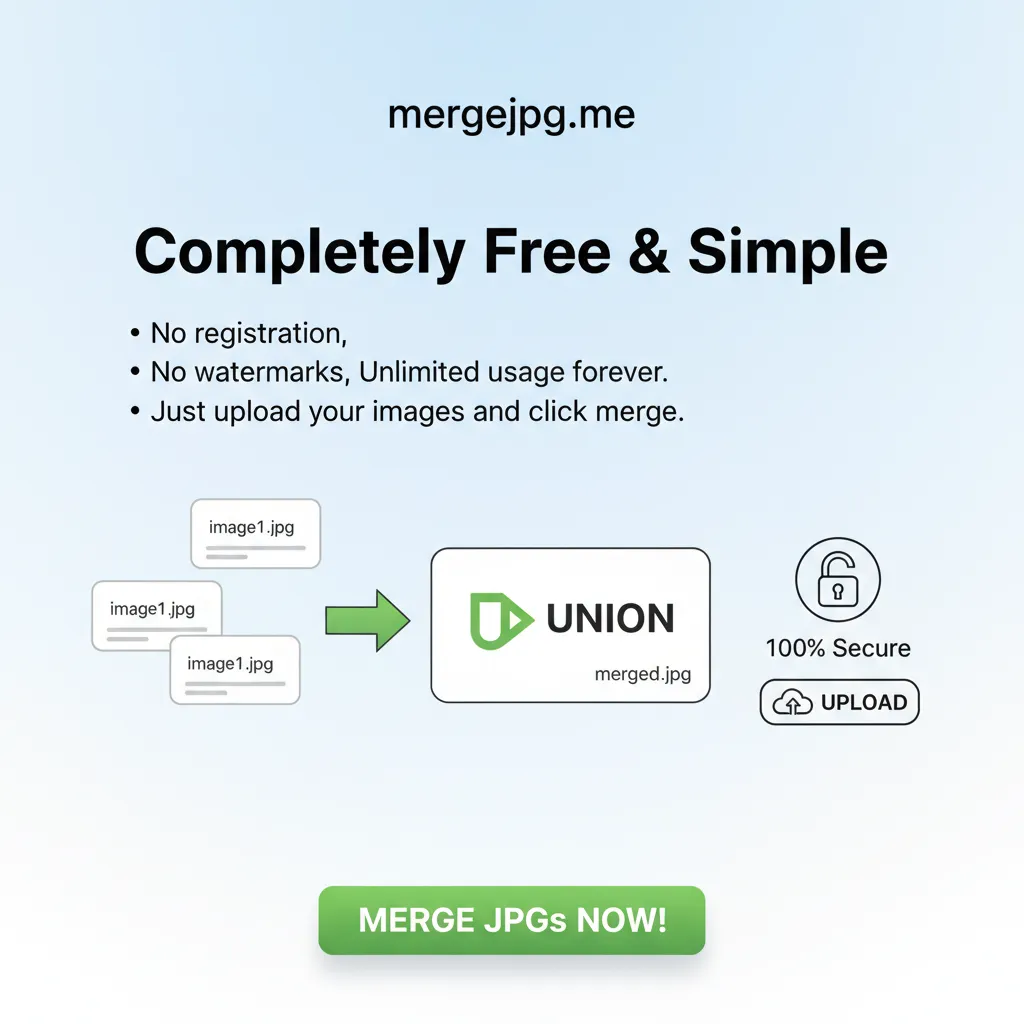
Completely Free & Simple
No registration, no watermarks, unlimited usage forever. Just upload your images and click merge - trusted by professionals worldwide who need reliable, fast image merging without compromise.
Complete Privacy Protection
Your sensitive data never leaves your device - everything happens in your browser. Perfect for tax consultants handling financial documents, businesses processing receipts, and professionals protecting confidential content.

Lightning Fast Processing
Process 50+ images instantly with zero performance issues or file size limits. No waiting, no servers, no uploads - merge hundreds of photos in seconds for presentations, social media, or document compilation.

Professional Quality Results
Export as high-quality JPG, PNG, or multi-page PDF with customizable layouts and spacing. Perfect for real estate listings, before/after comparisons, research documentation, and business presentations.
MergeJPG Blog
News, resources, and updates about MergeJPG

pdfzus: The Best Alternative to PDF24 for PDF Zusammenfügen
Discover pdfzus, a modern PDF merging tool that combines PDF24's trusted reputation with sleek design. Learn why German users are switching to pdfzus instead of PDF24.
Read More

How to Merge JPG Files: Complete Guide (2025)
Learn how to merge JPG files with our comprehensive guide covering online tools, desktop software, and built-in solutions for Windows and Mac users.
Read More

Merge JPG Reviews: What Users & Media Are Saying About Us
Comprehensive collection of user reviews, testimonials, and media coverage of Merge JPG tools. Discover what users and media are saying about Merge JPG.
Read More
How to Use Merge JPG
Follow our simple process to merge your images - no registration required:
Key Features of Merge JPG
Everything you need for secure, professional image merging - faster, simpler, and more private than any alternative.
Complete Privacy Protection
Your sensitive data never leaves your device - everything happens in your browser for complete privacy protection. Perfect for confidential documents and sensitive business content.
Lightning Fast Processing
Process 50+ images instantly with zero performance issues, no file size limits, and no watermarks. Faster than any server-based solution.
Dual-Mode Versatility
Quick Mode for horizontal or vertical layouts OR Creative Mode for unlimited positioning. Horizontal/vertical grids with spacing controls or infinite canvas with drag/resize/rotate freedom.
Versatile Output Formats
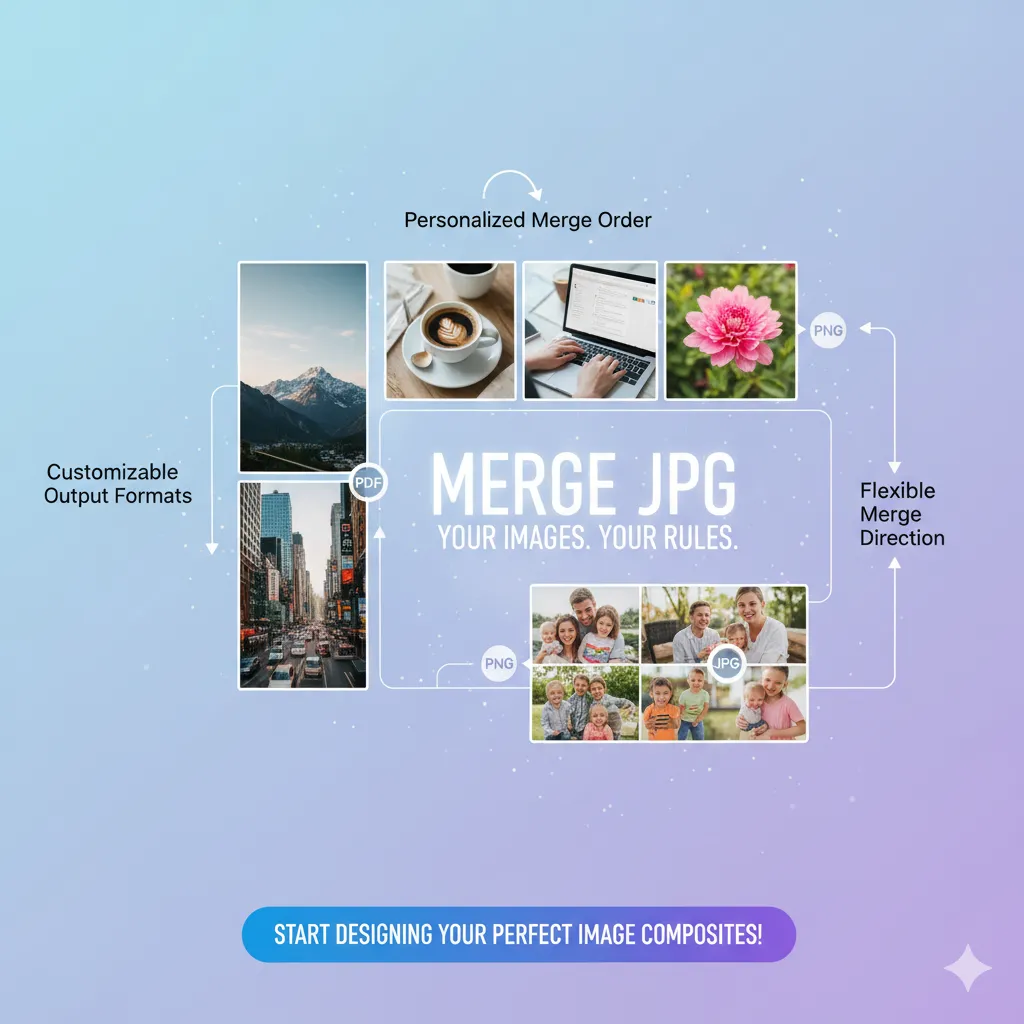
Export as high-quality JPG, PNG, WebP, SVG, or multi-page PDF. Quick Mode for documents, Creative Mode for creative compositions. Maintain original image resolution with optimized compression.
No Registration Required
Completely free tool with no account creation, no watermarks, and unlimited usage. Just upload your images and click merge - that simple.
Professional Quality
Maintain original image resolution with optimized compression. Trusted by professionals worldwide for business presentations, social media content, and document organization.
People Love Merge JPG
for its privacy, speed, and simplicity.
Images Processed
10M+
Securely
Processing Speed
< 3
Seconds
Privacy Score
100%
Protected
What Users Say About Merge JPG
Trusted by professionals worldwide who demand privacy, speed, and reliability for their critical image processing needs.
Sarah Johnson
Tax Consultant
Merge JPG is essential for my tax practice. I process 50+ scanned document pages daily, creating clean PDF files for clients. The browser-based processing means sensitive financial data never leaves my computer - absolute privacy protection.
David Kim
Social Media Manager
I create hundreds of before/after comparison images monthly for fitness brands. Merge JPG processes 20+ photos instantly with zero performance issues. The horizontal layout options and professional quality output make every Instagram post look amazing.
Emma Chen
Research Student
Perfect for academic research! I combine multiple screenshots of online conversations into single long images for documentation. No registration required, completely free, and processes everything instantly - exactly what students need.
Alex Rodriguez
Small Business Owner
Merge JPG saves me hours every month organizing expense reports. I merge receipt photos into clean PDF documents for accounting - the multi-page PDF export feature is perfect for business documentation and bookkeeping.
Lisa Wang
Real Estate Photographer
I create stunning property showcase images by combining multiple room photos into horizontal layouts for listings. The professional quality output and customizable spacing give my real estate marketing a competitive edge.
Mike Torres
Digital Artist
Essential for protecting creative work! I merge concept sketches and reference images into mood boards for client presentations. The complete privacy protection ensures my creative assets and client projects stay confidential - no server uploads ever.
Frequently Asked Questions About Merge JPG
Have another question? Contact us at [email protected].
Is my data really safe and private when using Merge JPG?
Absolutely! Your sensitive data never leaves your device - everything happens in your browser for complete privacy protection. No uploads, no server storage, no data collection. Perfect for tax consultants, businesses, and professionals handling confidential content.
What file formats does Merge JPG support?
Merge JPG supports JPG, JPEG, PNG, and WEBP image uploads. When you use Merge JPG, you can export your merged result as high-quality JPG, PNG, WebP, SVG, or PDF formats. Our merge JPG tool maintains original image quality throughout the process.
Are there any file size or quantity limits in Merge JPG?
Process 50+ images instantly with zero performance issues and no file size limits. Our browser-based technology handles hundreds of high-resolution images efficiently, making Merge JPG perfect for professional presentations, social media content, and document compilation.
Do I need to create an account to use Merge JPG?
Not at all! Merge JPG is completely free to use with no registration required. Just visit mergejpg.me and start using our merge JPG tool immediately. No account creation, no watermarks - Merge JPG provides unlimited usage for everyone.
What layout options are available in Merge JPG?
Merge JPG offers horizontal and vertical layout options with customizable spacing, background colors, and alignment controls. Our merge JPG tool provides professional customization options that make Merge JPG suitable for various image merging needs.
Can I use Merge JPG for commercial purposes?
Yes! Merge JPG can be used for personal, educational, and commercial purposes without any restrictions. Whether you need merge JPG functionality for business documents, marketing materials, or presentations, Merge JPG delivers professional results every time.
How does Merge JPG compare to other image merging tools?
Merge JPG is the fastest, most secure alternative. Unlike server-based tools that upload your images, everything happens in your browser for complete privacy. Process 50+ images instantly, no file size limits, no registration required, no watermarks - features that other merge JPG tools charge for or simply don't offer.
What makes Merge JPG the best choice for merging images?
Merge JPG combines the fastest processing speed, strongest privacy protection, and simplest user experience in one powerful tool. Trusted by tax consultants, social media managers, real estate agents, and businesses worldwide who demand professional results without compromising privacy or paying subscription fees.
Start Merging Your Images Today
Private, fast, and completely free - try Merge JPG now.